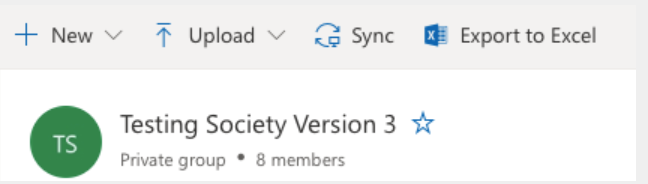
Every student group has an @lancaster email account. We suggest that you use this account for all email correspondence rather than a private account from another email provider. We will use this account to get in touch with you regarding any announcements and with information about Freshers'/Refreshers' fair and flat floor bookings.
To access the account, you will first need to complete data protection training and be registered as an admin on your Rubric page. Information on how to do this can be found here. You will then be automatically added to your group email account.
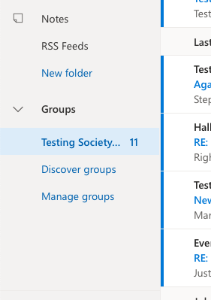
To access the account, log in to your personal @lancaster email account. In the left-hand folder pane, select your society under Groups (you may need to scroll down to see this).
To access the shared files, in the top section, just above the inbox, select the Go to group files button (next to send email button).
From here, you can browse your shared document library, create new documents, upload documents and Sync your group files so that you can access them in File Explorer (Windows) or Finder (Mac).